Files & Blueprints
Every document,
always at hand
Upload plans, permits, contracts, and reports into organized folders — then access them from the office, the field, or share them directly with your client. No more digging through email threads to find the latest set of drawings.
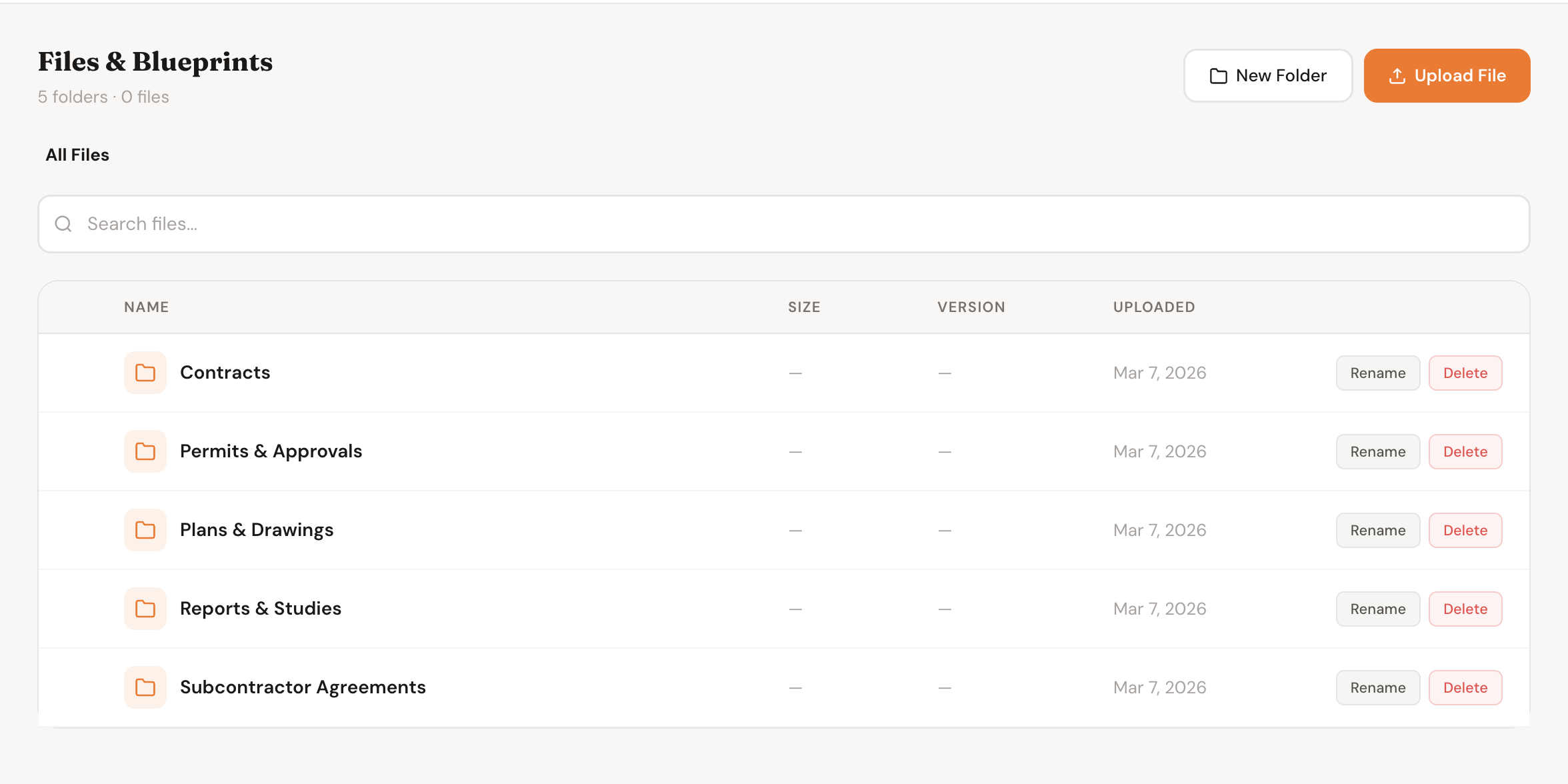
All project files organized into folders — plans, permits, contracts, photos, and more
How It Works
From upload to accessible in seconds
Four steps from a file on your desktop to a document your whole team — and your client — can find instantly.
1
Upload any file
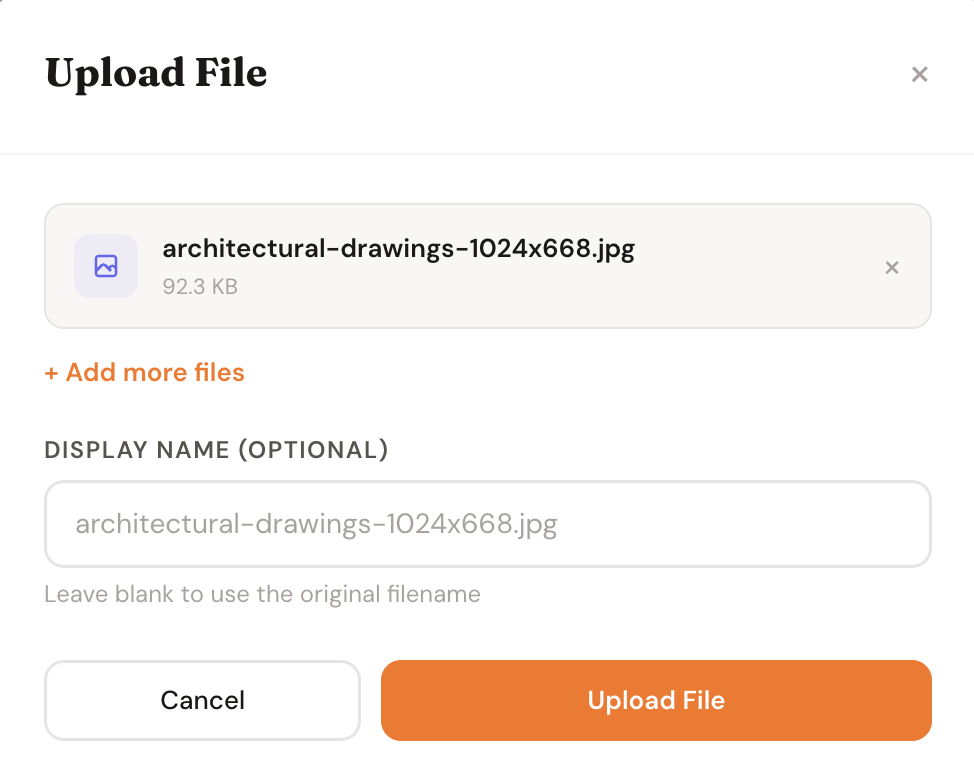
Drag and drop plans, PDFs, photos, or documents directly into a project. Any file type, any size — it goes straight into the project.
2
Organize into folders
Create folders for Plans, Permits, Contracts, Reports, or anything else. Keep the project organized the same way across every job.
3
Access from anywhere
Pull up a blueprint on-site from your phone, review a contract in the office, or reference a permit from the field — it's all there.
4
Share with your client
Choose which files your client can see in their portal. Share the permit, the signed contract, or the latest plans — without emailing attachments.
See It In Action
Built for how construction actually works
Features
Everything you need to keep documents under control
Any File Type
PDFs, DWG drawings, images, spreadsheets, Word docs, CAD files — upload anything that belongs on the project. No restrictions on file type.
Folder Organization
Create a folder structure that mirrors how your office is organized. Plans, Permits, Contracts, Subs, Reports — nested folders keep large projects manageable.
In-Browser Viewer
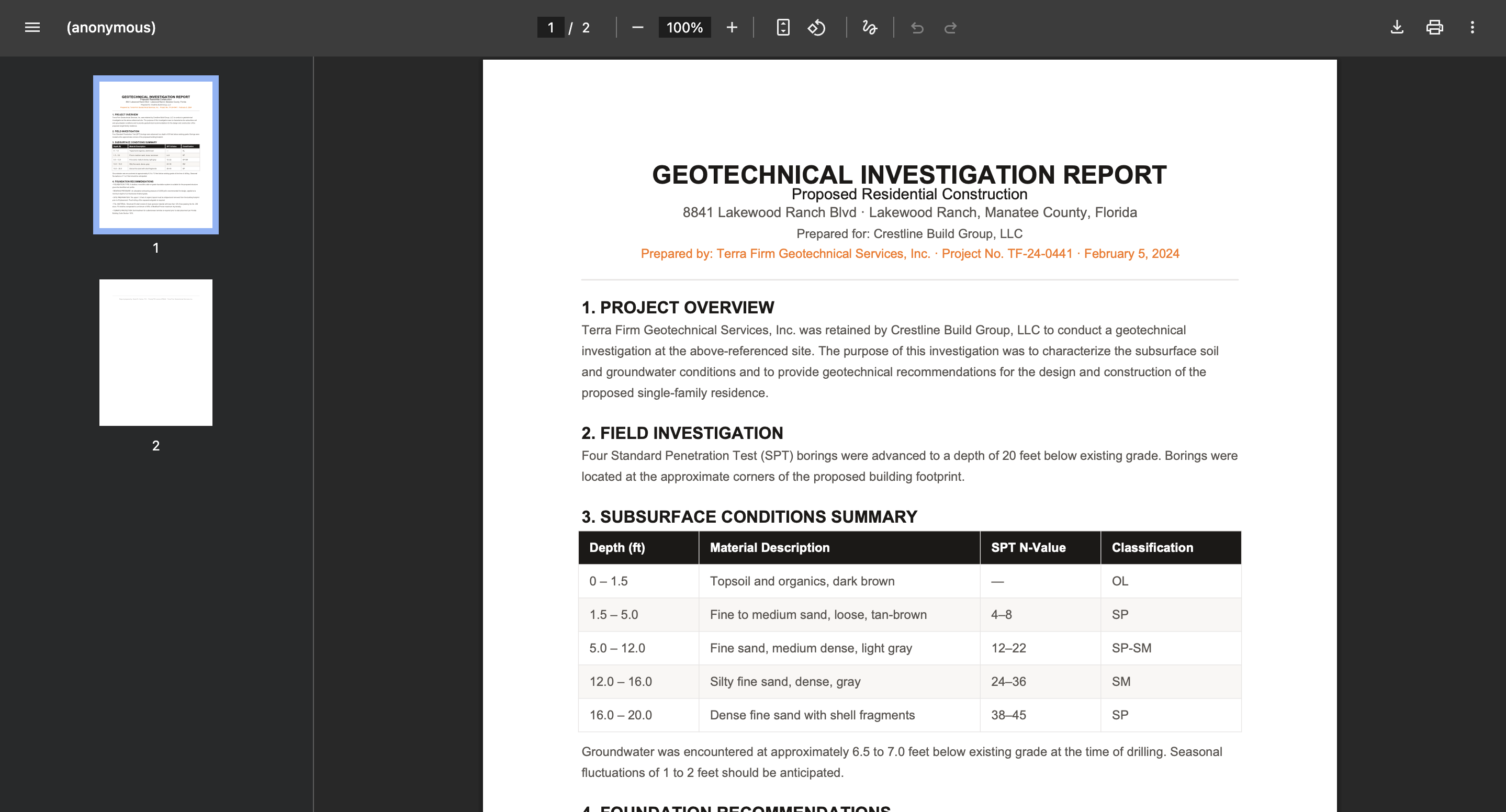
Open PDFs and blueprints directly in the app without downloading anything. Review plans on-site from your phone or tablet without needing a separate PDF app.
Client File Sharing
Share specific files with your client through their portal — the signed contract, the building permit, the approved plans. No emailing attachments back and forth.
Version Control
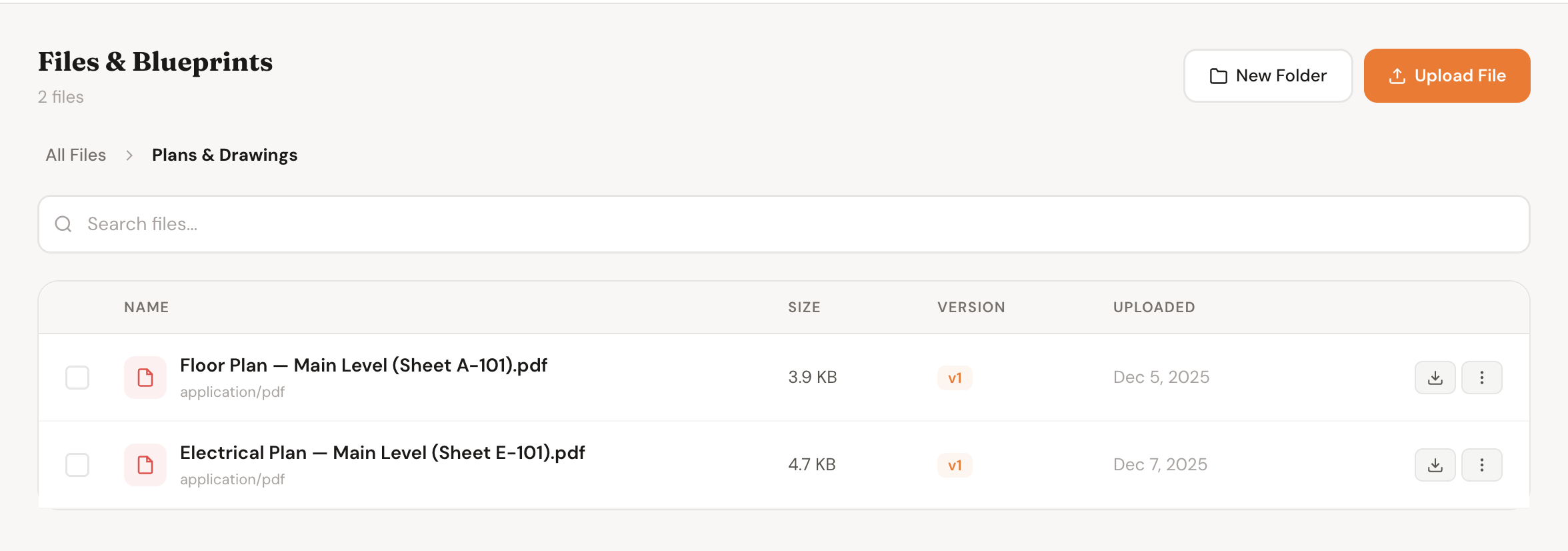
Upload a new version of a file and keep the history. When the architect sends Rev. 4 of the floor plans, upload it and the previous versions stay accessible.
Search & Filter
Search by file name or filter by category — blueprints, permits, contracts, photos. Find the right document in seconds instead of scrolling through a folder tree.
Why It Matters
The wrong version of a plan costs you more than time
Crew framing to an old set of drawings is one of the most expensive mistakes in construction — a central, versioned file store eliminates it
Finding a permit or contract during a dispute takes hours if it's buried in email — finding it in a project folder takes seconds
Clients who can't find documents call you — clients who have a portal to check stop asking the same questions
Sharing files over email creates uncontrolled copies everywhere — one shared location means everyone is always looking at the same thing
One place
For every document on every project
Any device
Access blueprints from the field on your phone
Full history
Every version of every file kept permanently
Zero email
Share files with clients through the portal instead
Who It's For
Built for anyone who's lost a file mid-project
Project Managers
Own the paper trail on every project — contracts, permits, RFIs, submittals. Know exactly where every document lives and who has access to what.
Field Superintendents
Pull up the current plans on your phone before the framing crew asks a question. No printing, no driving back to the office, no wrong-version mistakes.
Custom Home Builders
Large projects generate mountains of documents. Keep everything organized by project from the permit application through the final lien waiver.
Clients & Homeowners
Access your signed contract, building permit, and latest plans anytime through your client portal. No hunting through email for the attachment you need.
FAQ
Common questions
What file types can I upload?
Any file type is supported — PDFs, DWG/DXF drawings, images (PNG, JPG), Word documents, Excel spreadsheets, CAD files, and more. There are no restrictions on file format.
Is there a file size limit?
Individual files up to 50MB are supported. For very large file sets like full construction drawing packages, contact us — we can accommodate larger limits for active projects.
Can clients download files I share with them?
Yes. Files shared with a client in their portal can be downloaded directly. You control which files are visible to the client — they only see what you choose to share.
Can I upload multiple versions of the same drawing?
Yes. When you upload a new version of a file, it is linked to the original and the full version history is preserved. The latest version is shown by default, with previous versions accessible.
Can I control who on my team can see certain files?
File access follows the project membership settings. All team members on a project can see its files. Granular per-file permissions are on the roadmap.
Are files backed up?
Yes. Files are stored in redundant cloud storage with automatic backups. Your documents are safe even if a device is lost or damaged.
Related Features
Files work best with
Inspections
Attach inspection reports and failed-item photos directly to the inspection record — stored alongside the permit in the files tab.
Learn more
Change Orders
Attach supporting photos and drawings to any change order so clients have full context before they approve.
Learn more
Proposals
Reference the latest plans when building a proposal — everything is in the project before the client even signs.
Learn more
Get Started
Stop losing documents in email
Every project document organized, versioned, and accessible from anywhere. Set up your first project in minutes and never search your inbox for a blueprint again.